
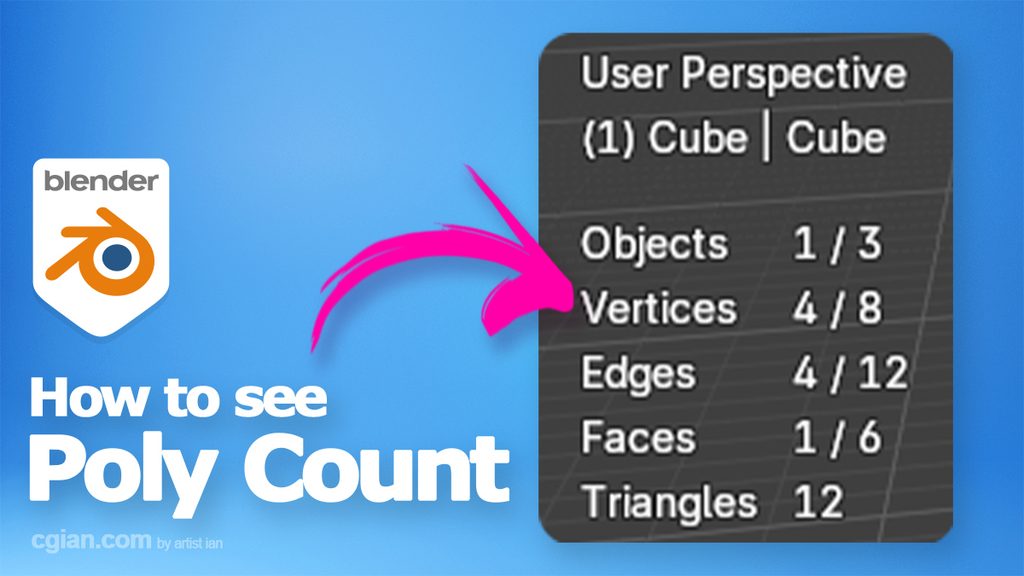
Blender tips and tricks, tutorial video shows how to see poly count in Blender. In Blender, we have 2 options to see poly count. One is to show with viewport overlays, another one is to show on bottom status bar. We will go through both ways to show poly count, face count, vert count, and triangle count. Steps are easy to follow for Blender beginners. Have sharing and save it for later. More Blender Tutorial are available here.
How to see poly count in Blender
We can follow these steps to see poly count in Blender,
1. After starting 3D scene with Blender, we can go to bottom status bar
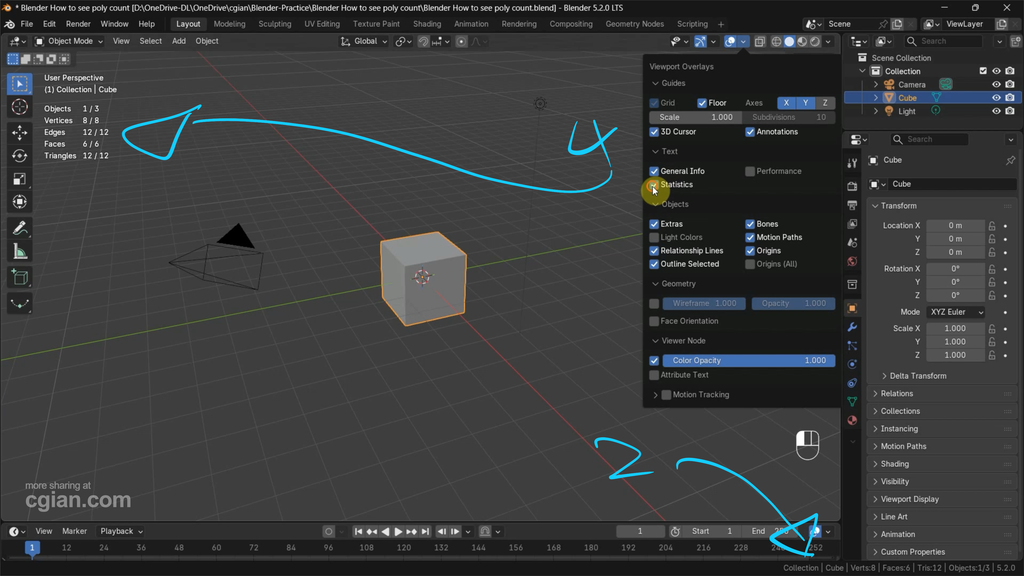
2. Press right mouse button click , and check the box Scene Statistics, to see poly count on bottom status bar
3. Alternative, we can go to top right corner of viewport, open viewport overlays
4. Check to box Statistics to show poly count on top right corner of viewport
Furthermore, we can find all these steps visually in this YouTube video, watch here,

by artist.b@cgian.com
Have fun with CG. Let’s Create!
Continuous Reading:
Blender select all vertices behind
How to deselect multiple vertices in Blender
Feel free to share this post with your friends or send it to yourself to bookmark it
