
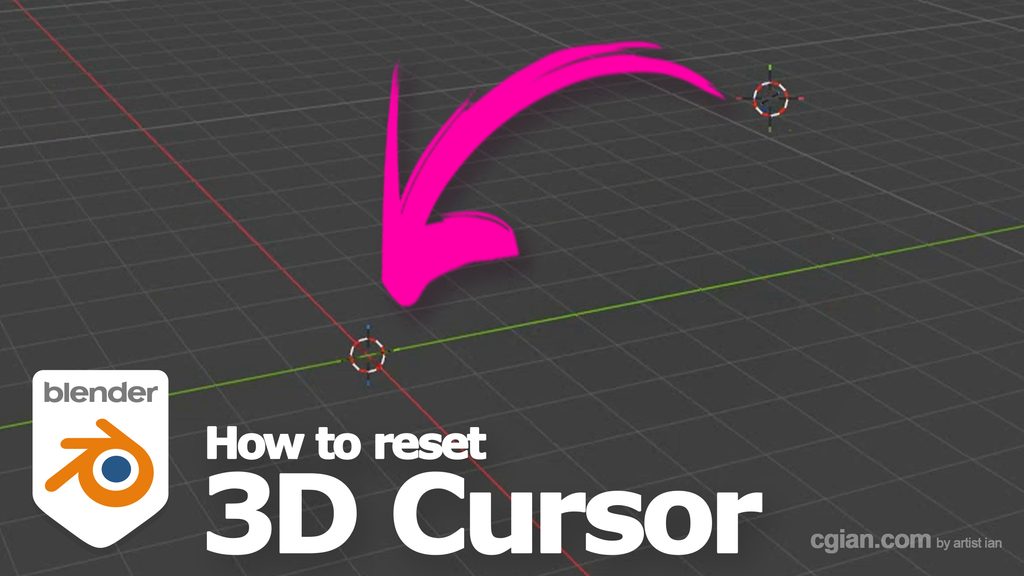
Blender tips and tricks, video shows the steps for Blender snap cursor to world origin tutorial. On this tutorial, we will show the steps to use shortcut to reset and snap cursor to world origin. Steps are easy to follow for Blender beginners. Happy sharing and I hope this helps. More Blender Tutorial are available here.
Blender snap cursor to world origin tutorial
We can follow these steps to snap cursor to world origin,
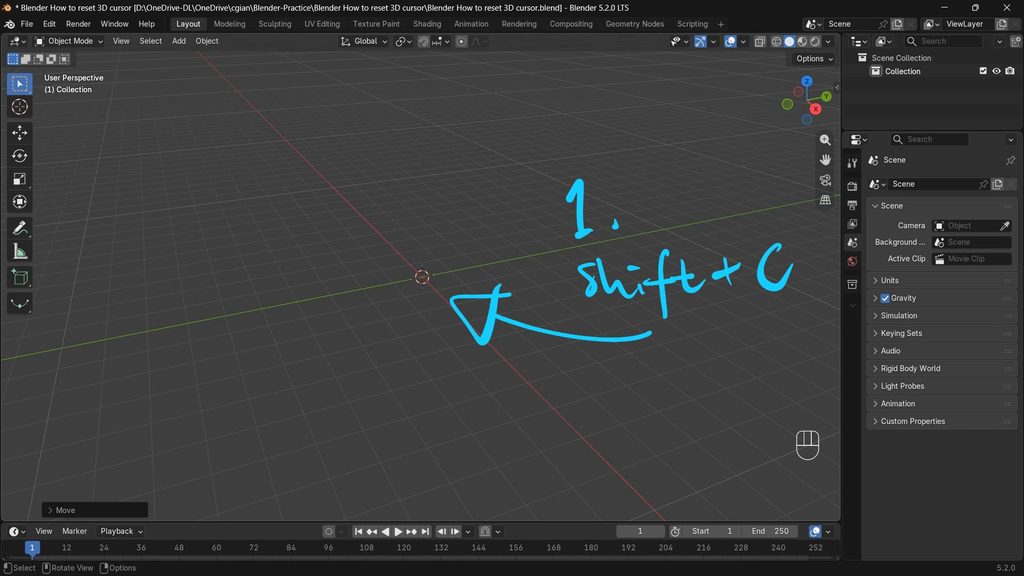
1. After moving apart from world origin, we can use shortcut shift C to reset 3D cursor to world origin (0,0,0)
2. The 2nd way, we can use shortcut Shift S to open Snap Pie menu, and choose Cursor to World Origin
Alternative, we will show the 3 ways to reset 3D cursor in this YouTube video, watch here,

by artist.b@cgian.com
Have fun with CG. Let’s Create!
Continuous Reading:
How to center cursor to object in Blender
Blender Shortcut for Move
Feel free to share this post with your friends or send it to yourself to bookmark it
