
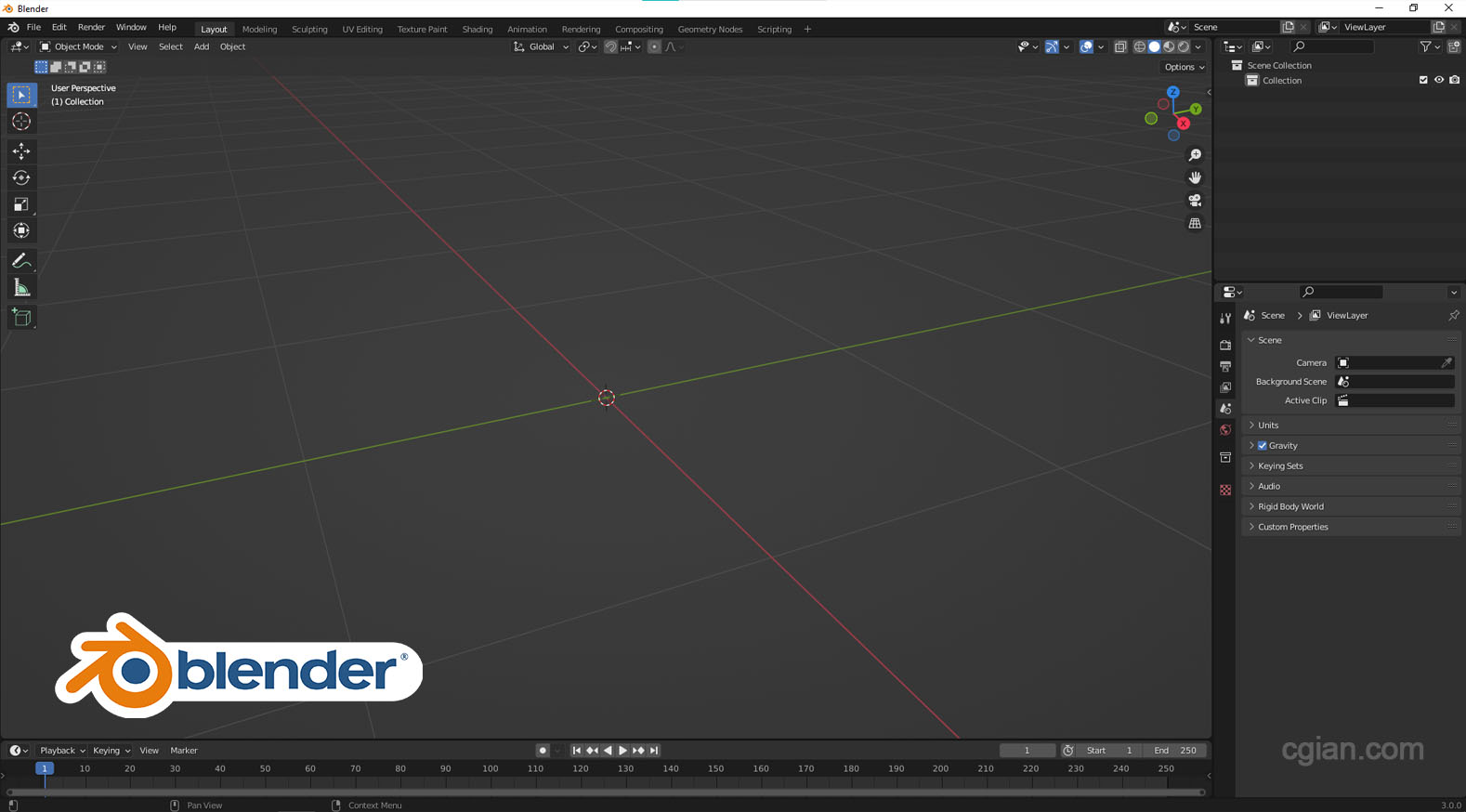

This is a quick tips and tricks to reset 3D cursor to origin in Blender. In Blender, 3D Cursor is a point in 3D space which can be used for a number of purposes. The 3D Cursor is used as the origin for any added object, can be used and moved with the snap tool, and is an option for the pivot point. There is a shortcut to quickly reset 3D cursor to 0 0 0 origin.
How to reset 3D cursor to origin using Shortcut in Blender
Solution: If we would like to reset 3D cursor to origin (0,0,0,) , we can press a shortcut “Shift + C”.
Click here to subscribe this YouTube channel, more video will be shared with you. Let’s create with Blender together!
Feel free to watch more video on【YouTube Playlist】
More Blender Tutorial, Tips and Trick at cgian.com
#b3d #blender #cgian
Continues Reading :
How to move 3D cursor to vertex in Blender
How to reset window layout in Blender
Blender How to reset settings
Blender How to set pivot point
Tips and Tricks
from artist.B
#b3d #blender #cgian
