

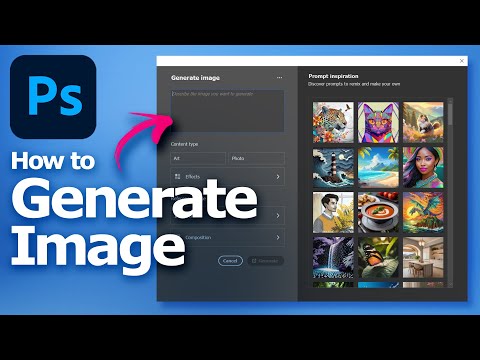
Photoshop tips and tricks, tutorial video shows how to generate image in Photoshop 2025. We can input prompts to generate AI image in Photoshop 2025. Steps are easy to follow for Photoshop beginners. Happy sharing and I hope this helps. More Adobe Photoshop Tutorial are available here.
How to generate image in Photoshop
We can follow these steps to generate image in Photoshop,
1. After starting Photoshop, we can click New File to create new document
2. Then, we can use Generate Image button on Contextual Task Bar or go to Edit > Generate image , to open Generate Image window

3. Input prompts to describe the image for generating
4. Click Generate, and wait a moment, then we got a generate image.
Furthermore, we can follow these steps to generate image in this YouTube tutorial video, watch here,
Timestamp
0:00 Intro – Photoshop Generate Image using AI
0:11 Create a new document in Photoshop
0:30 Show Contextual Task Bar
0:45 Open Generate Image Window
1:24 Input Prompts for generating AI image
1:46 Variations in Properties Windows
Click here to subscribe this YouTube channel, more video will be shared with you.
Feel free to watch more video on【YouTube Playlist】
by artist.b@cgian.com
Have fun with CG. Let’s Create!
#cgian #photoshop #tutorial
Continuous Reading:
Photoshop AI tool Generative Fill to add object
Photoshop select object using AI contextual task bar
Photoshop fill selection with color tutorial
Feel free to share this post with your friends or send it to yourself to bookmark it
