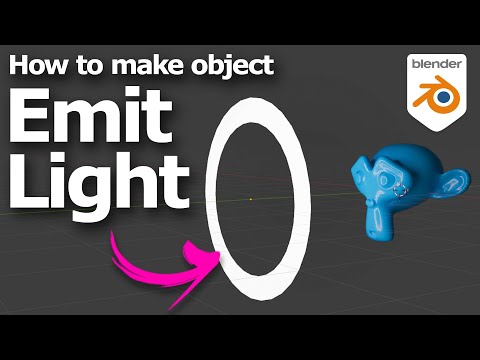
Blender tips for lighting with 3 D object, video tutorial shows how to create light source from object in Blender. In this tutorial, we will add a circle and make it as a ring shape. Then, we can add material with emission to make the ring as a light source. Steps are easy to follow for Blender beginners. Happy sharing and save it for later. More Blender Tutorial are available here.
How to create light source from object in Blender
We can follow these steps to create light source from object in Blender,
1. Make sure that you use Cycles as a Render
2. After adding an object and modify its shape, we can select the object and add Material in Material Properties
3. Then Principled BSDF shader node is added, go to Emission, increase strength to make the object light
How to create light source from object in Blender
Alternative, we can find all these steps in these YouTube tutorial video, watch here,
Timestamp 0:00 Intro – make object emit light in Blender 0:26 Add Object as light source 0:42 Make Ring Shape 1:33 Render Preview Switch to Cycles 1:49 Add Material and Add Emission