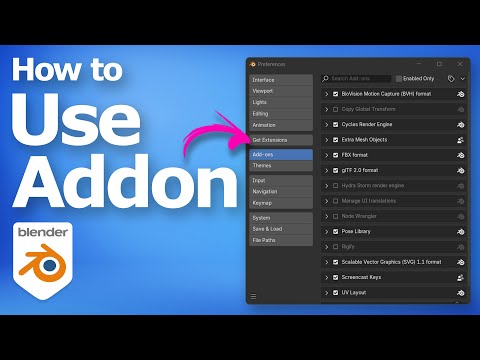
Blender tips and tricks, tutorial shows Blender how to use addon. In this tutorial, we will go through how to use addon in Blender. To activate, deactivate, install and download Blender addon, we can go to Edit and Preferences. If we want to see how to use addon. We can go to official website, to find the official documentation. Steps are easy to follow for Blender beginners. Happy sharing and save it for later. More Blender Tutorial are available here.
Blender how to use addon
We can follow these steps to see how to use addon in Blender,
1. After starting Blender, we can go to Edit and open Preferences
2. Go to Get Extensions, find or search addon you want to use
3. Open drop menu on the right of addon, and select Install to install addon
4. Select Website to go to webpage of addon in Blender Official website
Blender how to use addon
5. Then, we can see how to use the addon , with features and documentation.
Furthermore, we can follow these steps see how to use addon in Blender, watch here,
Timestamp 0:00 Intro – How to use Addon in Blender 0:10 Go to Addons in Preference windows 0:28 Install Addon in Blender 0:52 Review Addons at official website 0:59 How to use Addon in Blender 1:33 Documentation for Blender Addon