

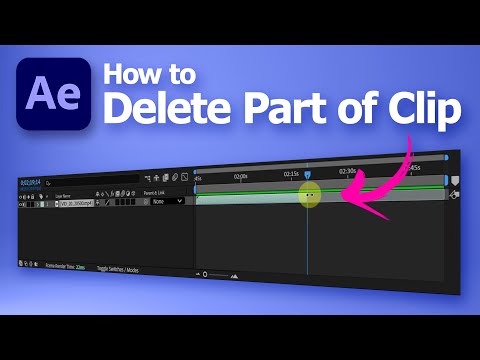
After Effects tips for video editing, tutorial video shows After Effects how to cut clips. In this video, we will add a MP4 video clip into After Effects, then we can move play head and use shortcut to cut clips. Steps are easy to follow for After Effects beginners. Happy sharing, and save it for later. I hope this helps.. More After Effects Tutorial are available here.
After Effects how to cut clips
We can follow these steps to cut clips in After Effects,
1. Import video footage into After Effects project and put into composition
2. Move play head to location that you want to cut the clip
3. Press shortcut Alt [ to cut the first part, or press shortcut Alt ] to cut second part

Furthermore, we show all these steps visually in this YouTube tutorial video, watch here,
Timestamp
0:00 Intro – Delete part of clip in After Effects
0:15 import video footage into After Effects
0:28 Move play head
0:39 Split layer of video clip and delete
1:05 Shortcut for cut clips
Subscribe YouTube channel for more After Effects Tutorials!
More video will be shared with you.
by artist.b@cgian.com
Have fun with CG. Let’s Create!
#cgian #adobe #aftereffects #tutorial
Continuous Reading:
After Effects how to make video longer
How to separate sound from video in After Effects
How to feather edges of video in After Effects
Feel free to share this post with your friends or send it to yourself to bookmark it
